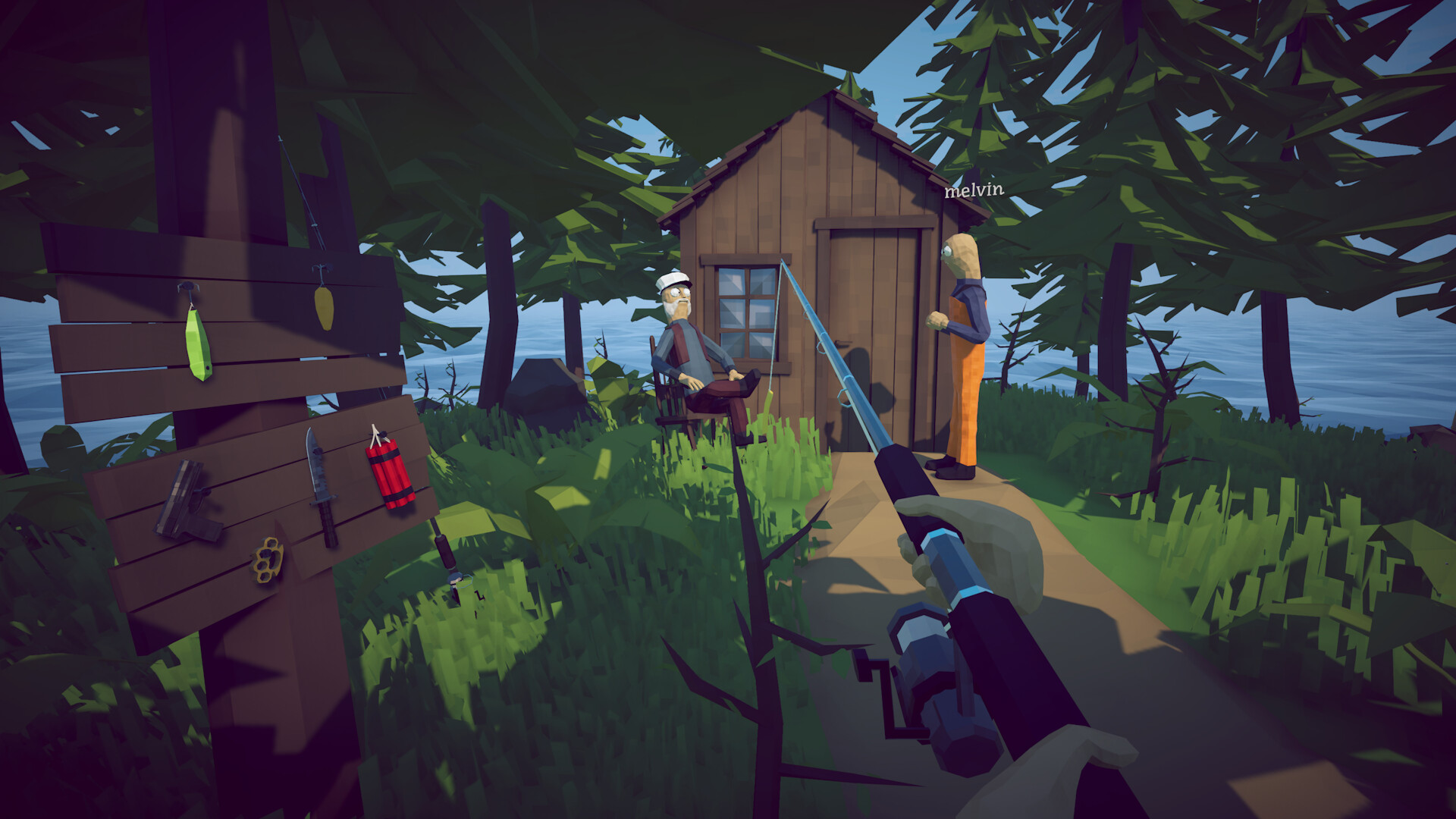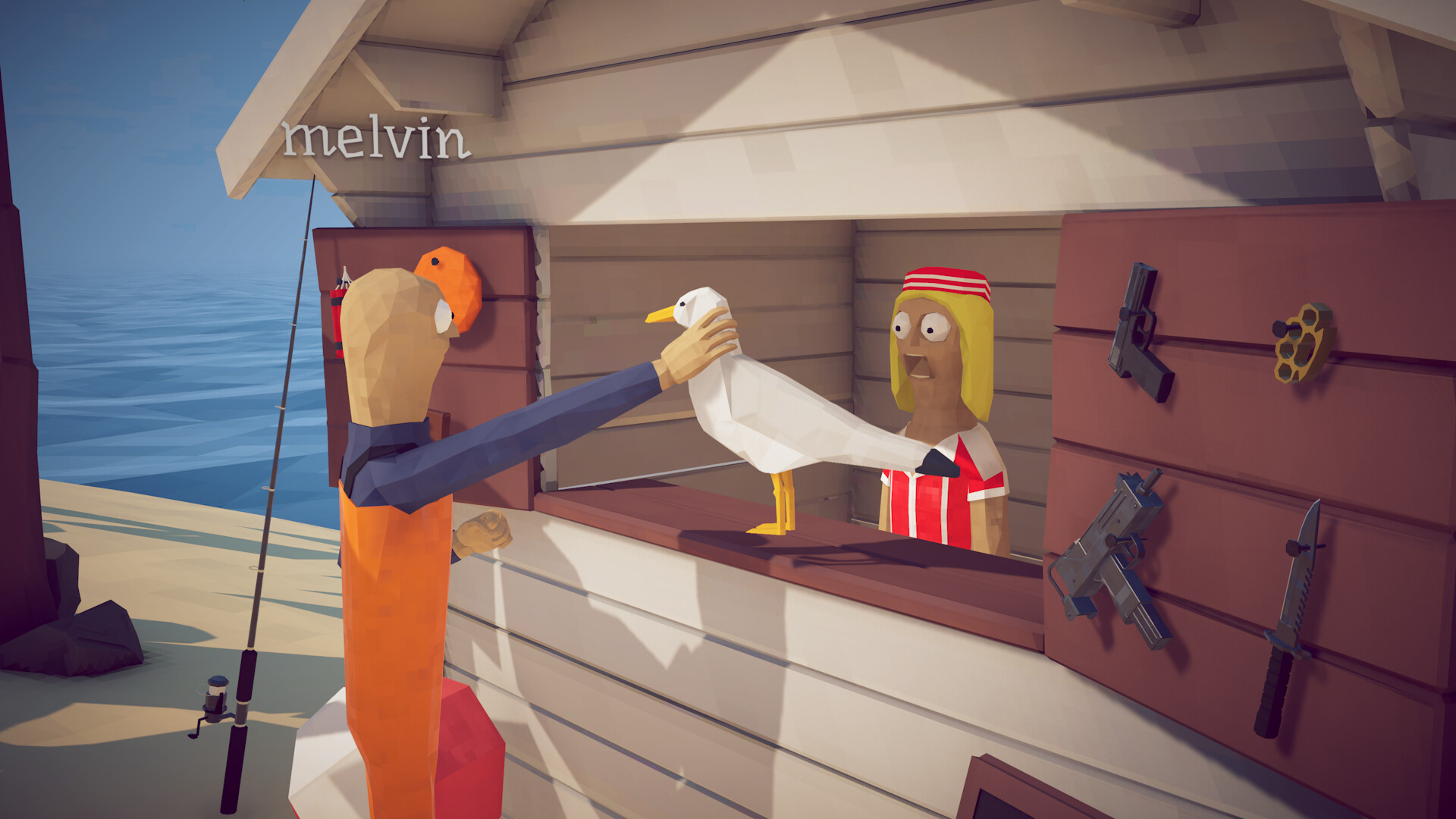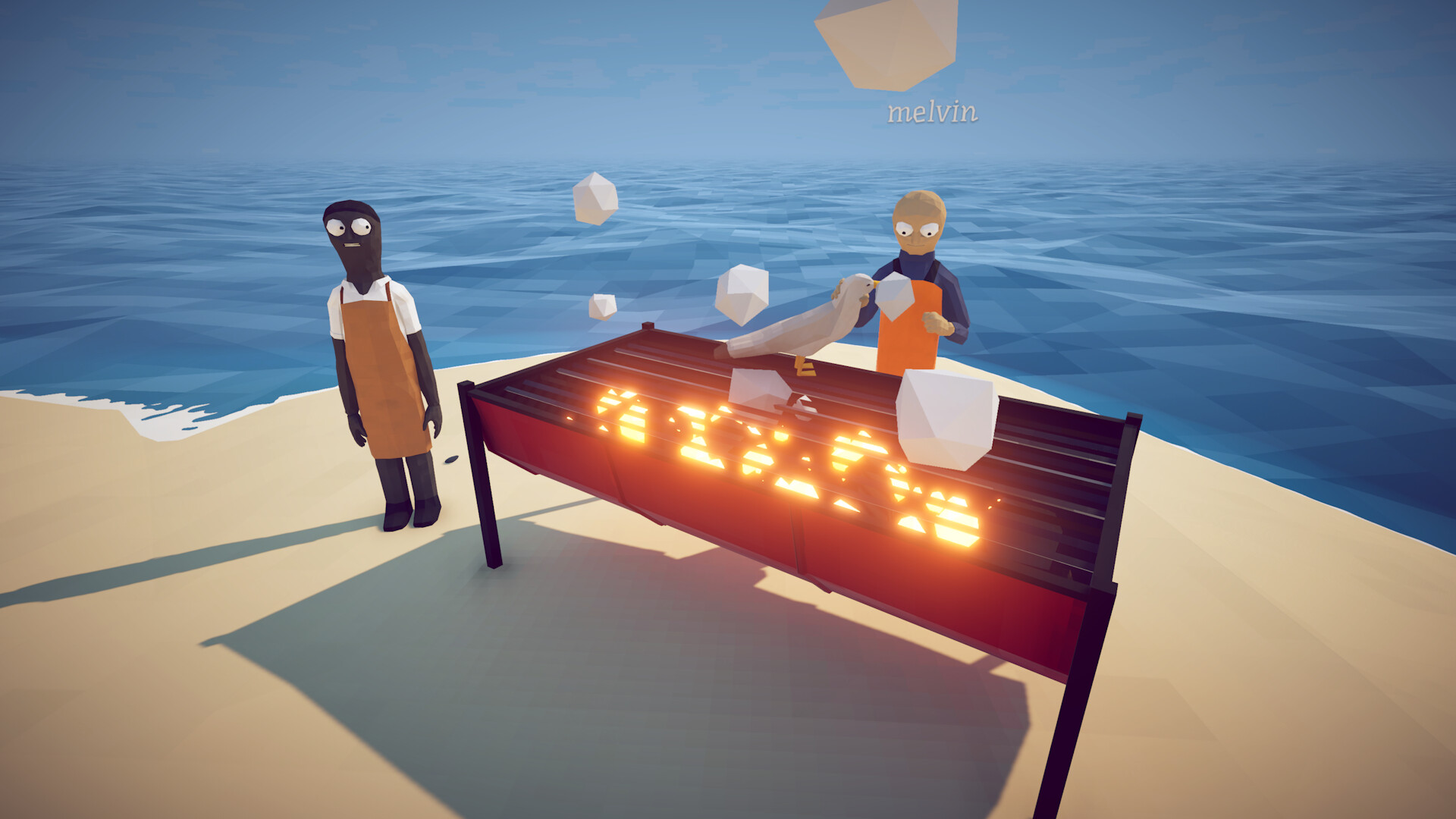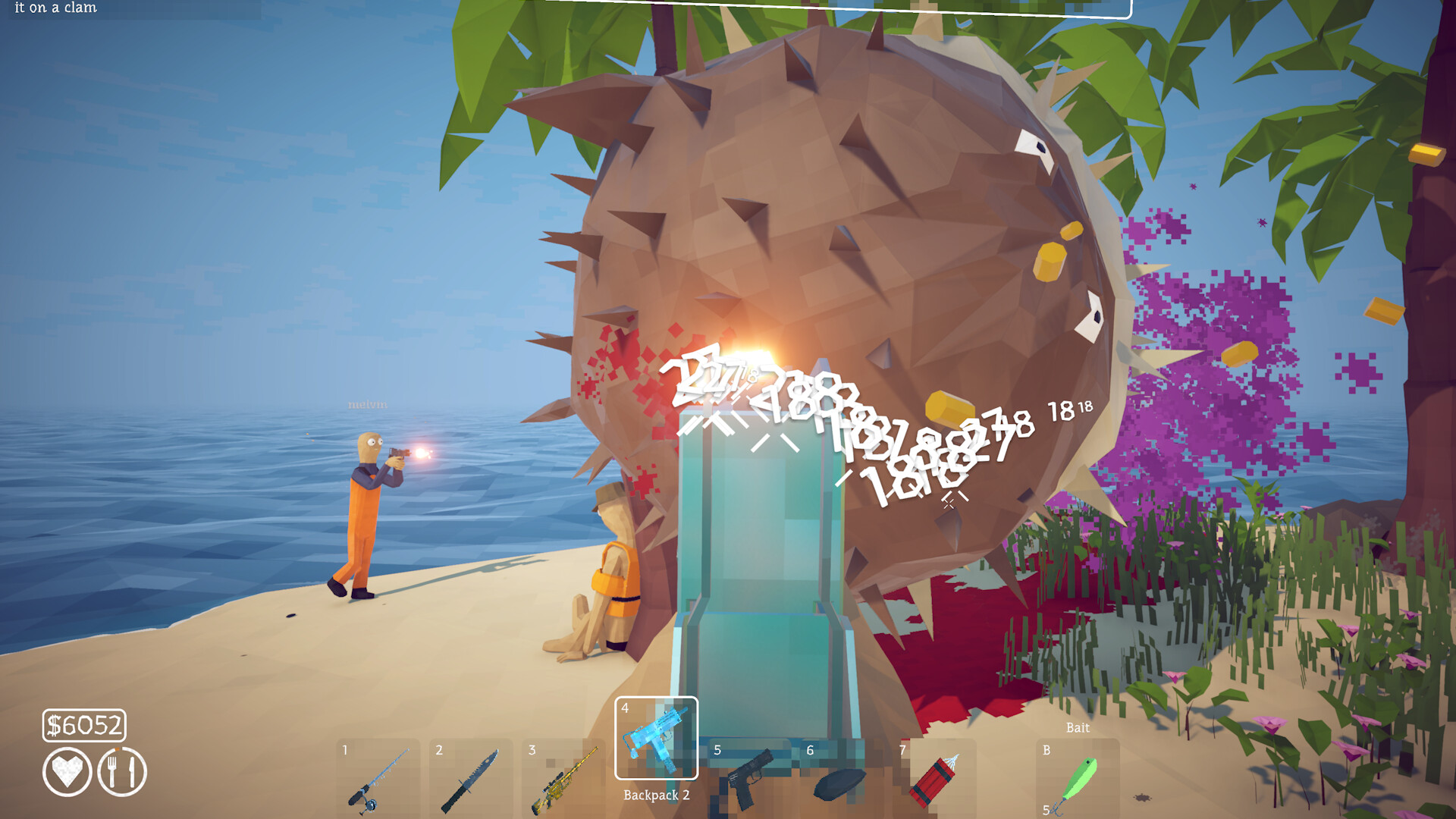
Launch through Steam, make sure every player is on the same game version, let one player host, invite through the Steam overlay and keep the host online until the group reaches a confirmed save point.
Clean lobby setup
Restart Steam after a patch so every client downloads the same build. The host should load the intended save, choose the current lobby privacy setting and invite friends through the overlay. Avoid switching networks or suspending the host machine mid-session.
- Update the game on every PC.
- Choose a stable host.
- Load or create the correct save.
- Set lobby privacy.
- Invite friends through Steam.
- Confirm each player can move and interact before sailing.
Joining and black-screen checklist
If a player cannot join, compare game versions first. Then restart Steam, recreate the lobby, change privacy once and reinvite. Disable version-sensitive mods during diagnosis. If only one save fails, test a temporary new lobby before changing or deleting any local data.
- Same patch on every client
- Steam online, not invisible/offline
- Fresh lobby invite
- No version-mismatched mods
- Host firewall allows Steam relay traffic
- Test a new save without overwriting the main file
How many players?
The Steam store still carries an older 1–4 player descriptor, but official Patch 1.0.4 expanded online lobbies from four to eight players. Treat eight as the current patched capacity, make sure every client is updated and recheck the latest official patch note before organizing a full group.